No-Code vs Custom Build: What Internal Tools Cost in 2026
No-code vs custom build for internal tools in 2026: real per-seat and per-builder prices, the break-even headcount, and what leaving costs later.
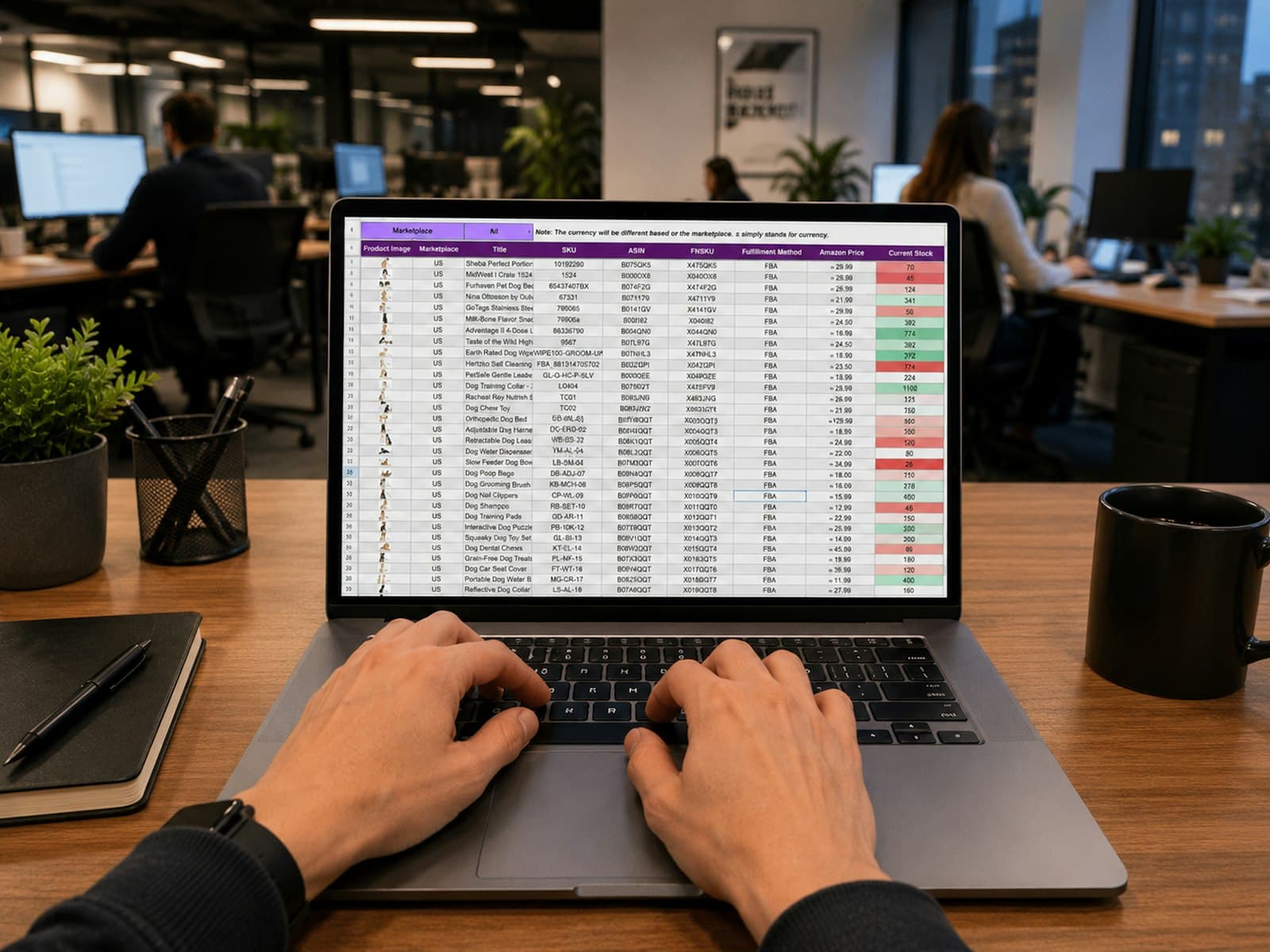
TL:DR: No-code vs custom build comes down to headcount. Under ten users, no-code wins on cash: Bubble starts at $32 a month, Airtable charges $20 per user a month, and Retool charges $10 per builder plus $5 per internal user. Above 40 users the per-seat meter overtakes a one-off build in three to four years, because $240 per user per year compounds while a build is paid once. A custom internal tool costs 20 to 60 developer days, which is $8,000 to $45,000 depending on the builder. The trade-off is exit: no-code gives a working tool in weeks and a migration project in year four.
The operations team is running the business on a spreadsheet. It works, until two people edit the same row, or somebody needs a permission level the sheet cannot express, or the founder asks for a number that takes a day to assemble. Then somebody says "we should build a proper system", and two very different quotes arrive. One is a no-code consultant at £6,000 plus a monthly platform fee. The other is a developer at £40,000. Both are defensible, and the deciding variable is not the build price.
What "no-code vs custom build" actually means for an internal tool
An internal tool is a small set of screens over a database: create a record, edit it, list it, restrict who sees what, and push a copy somewhere else. Almost every operations tool is that shape. The difference between the approaches is who owns the logic and how you pay for it over time.
No-code platforms meter three different ways, and the meter decides your year three. Airtable charges per seat. Retool charges per builder and per internal user, which is cheaper because most people only view. Bubble charges a flat plan plus workload units for server processing, and Zapier charges per task. A custom build has none of those meters: a one-off cost, a small hosting bill, and your own maintenance time.
The comparison worth making is three years of total cost, not the invoice at launch. A $32 a month plan that becomes $349 when the team grows is a different purchase from a $30,000 build that never changes price.
| Option | Free tier | Paid starts at | How you are metered | Best for |
|---|---|---|---|---|
| Airtable | Yes, all users free | $20/user/mo, annual | Per seat with edit access | Ops teams under 20 people |
| Bubble | Yes, 50K workload units | $32/mo, annual | Plan plus workload units | Apps with a real front end |
| Retool | Up to 5 users | $10/builder + $5/internal user | Builders and internal users separately | Tools on top of an existing database |
| Appsmith | Up to 5 users, plus free self-host | $15/user/mo | Per user, or self-host free | Teams that want the source |
| Custom build | Not applicable | $7,840 (20 days) | One-off, plus hosting | Anything above 40 users |
Prices read from vendor pages in November 2026, billed annually unless stated.
Option 1: Airtable, a database with a usable front end
Airtable is the default first internal tool because a non-technical person can build it. Its Team plan is $20 per user per month billed annually and Business is $45, per Airtable's pricing page, and the free plan covers everyone until you need more records or automation runs. Charges apply to users with edit permissions, so read-only collaborators and form submissions are free.
Ten editors is $2,400 a year and twenty-five is $6,000. No build cost, no developer to hire, and a first version by Friday.
Two limits arrive. Records and automation runs are capped per plan. The second is structure: Airtable is a database with views, so workflows needing branching logic or a real permission model become linked tables only the builder can read. That person leaving is the risk nobody prices.
Pick Airtable if the tool is a shared register with a few automations and under 20 editors. Skip it if the workflow needs per-role permissions, or if the automation runs scale with transaction volume rather than headcount.
Option 2: Bubble, a real application without a developer
Bubble builds something that looks and behaves like an application rather than a database view, which is the right call when clients or field staff will use it. Plans run $32 a month on Starter, $119 on Growth and $349 on Team billed annually, with workload allowances of 175,000, 250,000 and 500,000 units a month, per Bubble's pricing page. Starter includes a live site and a custom domain, so the platform fee is the whole hosting bill.
The Team plan is $4,188 a year and capped at five app editors, which surprises teams. If six people need to change the app, you are on Enterprise and the price is a conversation.
Workload units are the second meter, and they price success rather than seats. A search on every page load burns units in proportion to usage, so a busy month costs more without anybody being hired. Bubble publishes what consumes units, but the number is not knowable at build time.
Pick Bubble if the tool is client-facing or needs a designed interface and the user count is modest. Skip it if you cannot tolerate a variable monthly bill, or if six or more people will edit the app itself.

Option 3: Retool or Appsmith, internal tools for teams with an engineer
Retool and Appsmith assume there is already a database and somebody who can query it. Retool's free plan covers up to 5 users, then Team costs $10 per builder and $5 per internal user a month billed annually, with Business at $50 and $15, per Retool's pricing page. One builder supporting 25 viewers is $135 a month, or $1,620 a year, because Retool prices the person who builds separately from the people who click.
Appsmith takes the other route: its community edition is open source and free to self-host, and the cloud free plan covers 5 users. Paid Business is $15 per user a month up to 99 users, and Enterprise is $2,500 a month for 100 users, per Appsmith's pricing page. ToolJet's Basic plan is $23 per builder, per ToolJet's pricing page.
This is the cheapest credible tier for a tool over a database you already own, and the cheapest of all if you self-host the open-source edition. The cost moves from licence to engineer time: somebody has to write the queries, and that person is usually busy.
Pick Retool or Appsmith if you have a database, an engineer for two weeks, and users who only need to read and update records. Skip them if nobody on the team can write SQL, because the tool is a shell until somebody fills it.
Option 4: A custom build, the one you own outright
A custom build is the only option with no meter, and the only one where the cost is front-loaded rather than recurring. At the published rate bands, 20 developer days is roughly $7,840 at $49 an hour or £25,500 at £1,275 a day, and 60 days is $23,520 or £76,500, per Clutch's pricing guide and Deloitte's G-Cloud 15 rate card. Clutch's average reviewed project is $66,499 over about nine months, though that average describes agency portfolio work rather than a 30-screen ops tool.
After launch the costs are small and knowable: a Hetzner server from €5.99 a month excluding VAT, per Hetzner's cloud pricing, and one to three developer days a month for updates and fixes. What you buy with the money is the code and the data model. What you give up is speed to version one, and the ability to change your mind cheaply. A no-code tool absorbs a new field in an afternoon. A custom build absorbs it in a sprint, if the person who wrote it is still available.
Pick a custom build if the tool has more than 40 users, per-role permissions, or a workflow that is the business rather than a support function. Skip it if the requirement will look different in six months, because you will pay twice.
The break-even arithmetic
The break-even is a division, not an argument. Airtable at $20 per user per month is $240 per user per year, so a $35,000 build is worth 146 user-years of Airtable. Divide by your headcount and you get the payback period.
| Users with edit access | Airtable Team, per year | Years to equal a $35,000 build |
|---|---|---|
| 5 | $1,200 | 29.2 |
| 10 | $2,400 | 14.6 |
| 25 | $6,000 | 5.8 |
| 50 | $12,000 | 2.9 |
| 100 | $24,000 | 1.5 |
Three caveats keep this honest. The first is your own time, which is not free even when it is unpaid. The second is maintenance on the custom side, at one to three days a month. The third is the value of shipping in three weeks rather than four months, which usually outweighs the whole comparison.
How to choose, the decision tree
Five variables decide this: headcount, who edits the tool, whether the workflow is the business, how stable the requirements are, and whether you have an engineer.
- Under 10 users and a stable workflow, use Airtable or a spreadsheet and stop reading. A build is not justified by aesthetics.
- Under 25 users, with a client-facing interface, Bubble at $119 to $349 a month is cheaper than a build for at least three years.
- Over 40 users with edit access, the per-seat meter is the argument for a custom build, and it wins by year four.
- If you already have a database and an engineer, Retool or self-hosted Appsmith is the cheapest way to put a screen on it.
- If the workflow is the business, for example quoting or dispatch, own the code. An outage becomes your outage either way, but only one option lets you fix it.
- If the requirements will change quarterly, buy the flexible option and revisit.
- If nobody can name who maintains the tool in year two, choose no-code, because a platform at least has a support desk.
The realistic answer for most teams between 10 and 40 people is to prototype in no-code for a month, then build the part that survived contact with reality.
Integrating with the rest of your stack
The tool is only useful if it talks to everything else, which is where no-code quietly gets expensive.
Airtable and Bubble both have native integrations and both hit one wall: the moment a sync needs custom logic, you are buying Zapier tasks or a developer's time. Zapier's free plan includes 100 tasks a month, Professional starts at $19.99 and Team at $69, and a standard step consumes one task per run, per Zapier's pricing page and Zapier's task rate guide. A sync on every order at 500 orders a month through a three-step Zap is 1,500 tasks, which lands on a paid tier.
A custom build inverts this. The integration is code you own, it runs on your server, and the thousandth record costs nothing. Somebody has to maintain it, and integrations break when vendors change their APIs.
Whatever you choose, keep the CRM out of the tool. A register of jobs and a register of customers are different things, and duplicating customer records is the most common mess in this category. BareStackOS is free and open source with no seat limit, so the customer record lives in one place and the tool reads from it. Our comparison of build and buy routes covers the wider stack, and the BareStack FAQ covers hosting and handover.
If you are weighing a platform against a build, this Airtable alternatives comparison runs the numbers for smaller teams, and the real cost of Notion for small businesses does the same for a tool people mistake for free. For the self-hosted path, running your business apps on one server is the practical version, and why project management tools bloat explains why internal tools drift.
Bottom line
Under 10 users, no-code is cheaper and faster: Airtable at $20 per user a month or Bubble at $32 to $349 beats any build. Above 40 users the per-seat meter overtakes a one-off build in three to four years, and 20 to 60 developer days costs $8,000 to $45,000. Choose on headcount and ownership.
FAQ
Is no-code cheaper than a custom build for an internal tool?
Under 10 users, yes, by a wide margin. Airtable Team is $20 per user per month and Bubble starts at $32, so a small tool costs under $2,500 a year with no build cost. Above 40 users the per-seat meter reaches $9,600 a year, where a one-off build starts to win.
At how many users does a custom build become cheaper?
Around 25 to 50 users, depending on the platform and the build price. Airtable at $240 per user per year costs $6,000 at 25 users and $12,000 at 50, so a $35,000 build pays back in 5.8 years at 25 users and 2.9 at 50. Retool is cheaper at scale because viewers cost $5 a month.
What does a custom internal tool cost to build?
Between 20 and 60 developer days for a typical operations tool. At the published rate bands that is $7,840 to $23,520 at $49 an hour, or £25,500 to £76,500 at £1,275 a day, per Clutch and the G-Cloud 15 rate card. Clutch's $66,499 average describes agency portfolio work, not a single ops tool.
What is the hidden cost of no-code?
The meter, and the exit. Workload units, automation runs and per-seat pricing all grow with usage and headcount, and none are fixed at build time. Leaving is the second cost: export gives you the data, not the application logic, so migration means rebuilding the screens.
Can you move a no-code app to a custom build later?
Yes, and the data usually moves cleanly because most platforms export CSV or JSON. The application logic does not: screens, permissions and automations must be rebuilt, which is why migration is priced like a build rather than a data move. Budget it as a second build, not a data export.
Should the internal tool share a database with the CRM?
Usually no. Share the customer record and keep the operational data separate, because an internal tool and a CRM have different permission models and different change cadences. Duplicating customer records between the two is the most common cause of stale data in a small business stack.
Photo by Gorilla ROI Data Connector on Unsplash
Photo by Centre for Ageing Better on Unsplash
Anirudh Prashant · Founder & Lead Engineer, BareStack
Founder of BareStack. Builds custom, no-bloat software, self-hosted tooling, and AI automations for solopreneurs and small teams.